Roller for Animals Codes
Free rewards, redeem steps, and what to do when a code fails.
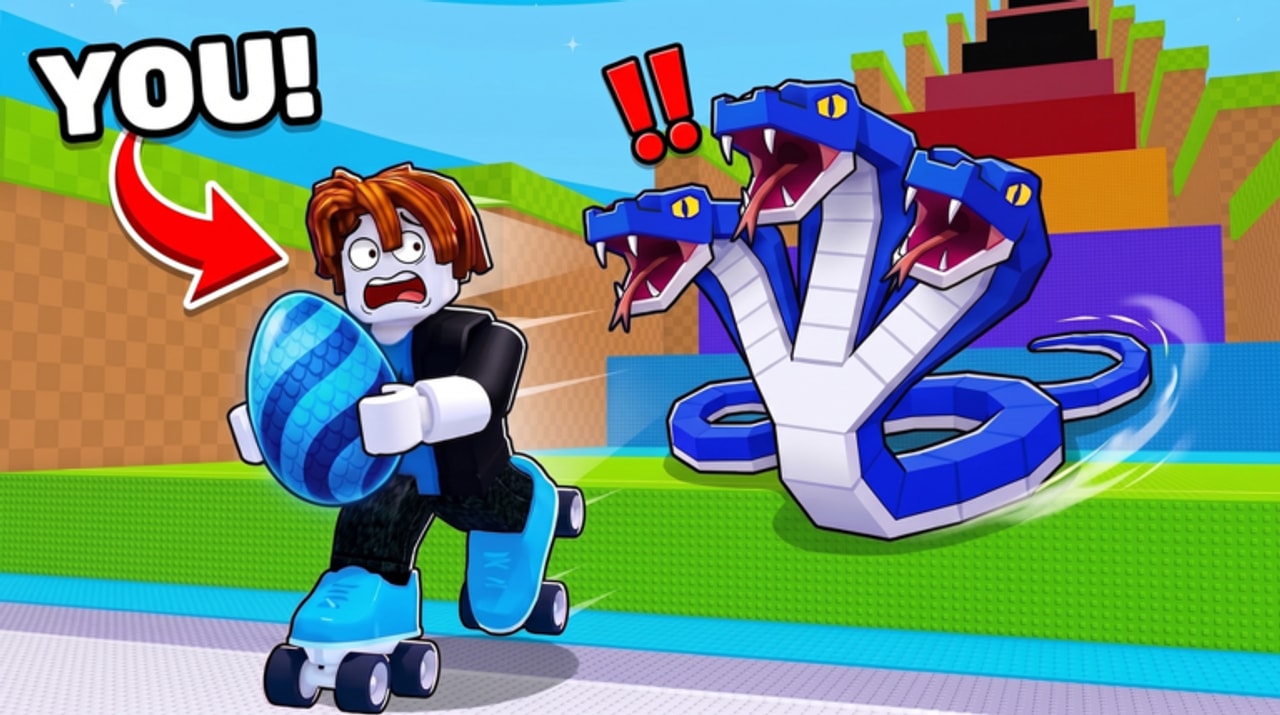
Promo codes are one of the fastest ways to jump-start a new Roller for Animals account. Creators in the Need Money for M3 ecosystem often drop limited codes during launch windows, milestones, and community events. Those rewards usually feed the same core loop you already play: more eggs, more animals, more cash, and better rollers so you can steal farther from your Pen.
This hub explains how codes fit into progression, how to redeem them safely, and how to verify whether a string is still live. We intentionally do not paste unverified code text here. Fake or expired lists waste your time and can spread outdated rewards across search results. Instead, use the redeem flow in-game, watch trusted creator showcases, and cross-check anything you see on social media before relying on it.
Why codes matter in Roller for Animals
Roller for Animals is a Simulation / Tycoon experience on Roblox. You roll across the map, steal eggs, race them home to your Pen, hatch animals that print cash, then spend that cash on speed, rollers, treadmill training, and trails. Early sessions are bottlenecked by slow movement and weak income. A single good code reward can skip that awkward first hour by handing you eggs, cash boosts, or cosmetics that make runs safer.
Codes also reward players who stay plugged into the community. Launch weeks are noisy: creators publish secret-code videos, group shoutouts appear, and Discord posts go live with short expiry windows. Checking this hub after a patch, then opening the in-game codes panel, is a healthy habit—especially if you are returning after a break.
How codes usually work
Most Roblox tycoon-style games share the same redeem pattern:
- Join the live experience from the official Roblox page.
- Look for a Codes button or gift icon on the HUD (often near other menu buttons).
- Type the code exactly as published—spelling, capitalization, and spacing matter.
- Confirm or claim, then check your inventory, Pen, or currency counters for the reward.
If nothing happens, the code may be expired, mistyped, already claimed on that account, or region-gated. Restarting the session and trying once more is fine; spamming the same failed string will not help.
For a full walkthrough with screenshots-in-words and troubleshooting, read How to Redeem Codes. Pair that page with the beginner path in Getting Started so free rewards turn into real upgrades instead of sitting unused.
Verifying codes without spreading fakes
Public code lists go stale within hours. Before you trust a screenshot:
- Prefer recent creator videos that show the redeem UI succeeding in real time.
- Confirm the game title on-screen is Roller for Animals, not a similarly named roller or animal tycoon.
- Redeem immediately; do not save a list for “later tonight.”
- Never enter codes into third-party websites that ask for your Roblox password. Redeem only inside the Roblox client.
The embedded video on this page is a verified codes showcase from a creator covering secret rewards for Roller for Animals. Use it as a visual reference for where the codes UI lives and what successful claims look like—then still confirm live status yourself in-game.
What to spend code rewards on first
Whatever you receive, convert it into progression:
- Eggs — get them into your Pen and hatch ASAP so animals start earning.
- Cash — prioritize movement: speed upgrades, a stronger roller, then treadmill training. Mobility wins more eggs than cosmetic flex.
- Trails or cosmetics — nice to have, but only after you can complete steals consistently.
If you are optimizing income after redeeming, jump to Cash Farming and Speed Upgrades. If you keep losing eggs on the way home, study Steal Eggs before chasing rarer targets.
Codes vs scripts vs grinding
Codes are the safe freebie lane. Scripts are a separate, riskier topic covered on the Scripts Hub with safety notes. Grinding remains the reliable long-term path: steal, hatch, upgrade, repeat. Use codes to accelerate that loop, not replace it.
Keep this page bookmarked alongside Updates so you know when a new milestone might bring fresh rewards. When the developer drops a working code, redeem first, then come back here for strategy on turning that gift into a stronger animal lineup.
Related pages
- How to Redeem Codes — detailed UI steps and failure fixes
- Getting Started — first-session checklist after you claim rewards
- Updates Hub — launch notes and why new codes often appear with patches
- Wiki Overview — full game loop and hub map
Frequently Asked Questions
Quick answers for codes, steals, upgrades, and more.
Are there working Roller for Animals codes right now?
Active strings change quickly. We do not list unverified code text. Open the in-game Codes panel, watch recent creator showcases, and redeem immediately if a code still works.
Where do I redeem codes?
Join Roller for Animals on Roblox, open the Codes button on the HUD, enter the code exactly, and claim. Full steps live on How to Redeem Codes.
Why did my code fail?
Common causes are typos, expiry, already-claimed status on that account, or copying a code meant for a different game. Retry once carefully, then move on.
What should I buy after redeeming a code?
Turn eggs into hatched animals, then spend cash on speed and rollers so your next steals succeed. See Speed Upgrades and Cash Farming.
Is this codes list official?
No. This is an unofficial fan wiki. Always confirm rewards inside the live Roblox experience and through official developer channels when available.